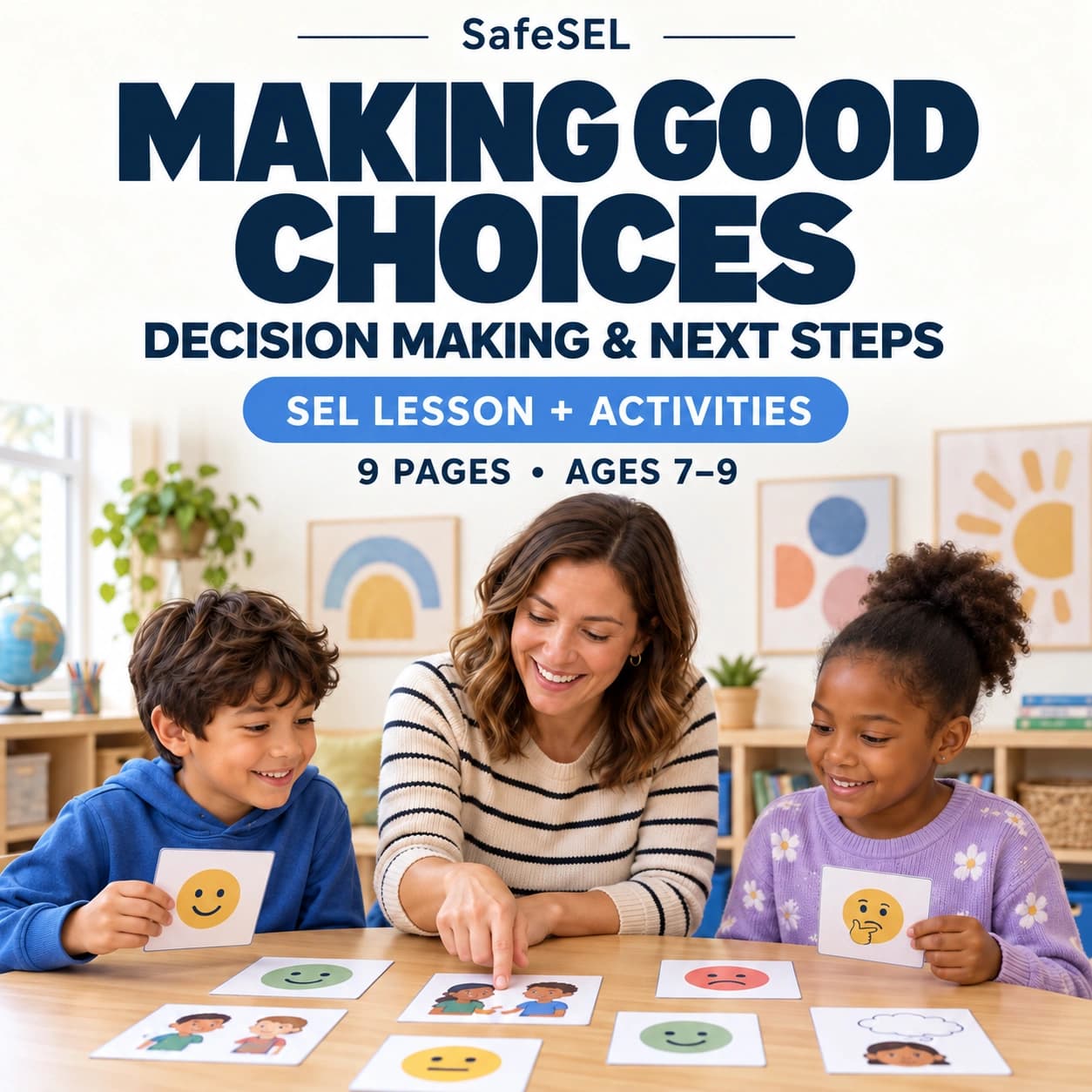
Choice overload can arise when a child has many options but no useful way to compare them. Two choices may make a first decision clearer: “Would you like to answer aloud or point?” Both options must actually be available. A choice between compliance and a penalty is not equivalent.
Use two choices when an open question offers too little structure
A choice board can show what the options mean and include a way to ask for something else. Check understanding rather than assume that selecting an image means agreement. If neither option fits an access need, change the options instead of repeatedly asking the child to choose.
Start with what actually happens
When addressing choice boards vs. open-ended choice, choose two recent examples and one occasion when the difficulty was smaller. While considering “Define the decision the child is making,” note what happened immediately beforehand, what the child did or communicated, how adults responded, and what allowed recovery or re-entry; the contrast can help distinguish a missing skill from overload, unclear expectations, avoidance, or an environmental barrier.
Begin with “Define the decision the child is making.” Treat it as a low-risk first action, not proof that one explanation is correct. Decide in advance what would count as useful evidence for keeping, reducing, or changing this support for choice boards vs. open-ended choice.
Compare function rather than appearance
Choice Boards and open-Ended Choice: Which Reduces Overload can look similar in one brief observation. For choice boards vs. open-ended choice, compare what happens before the behavior, what the child gains or avoids, and how the pattern changes when access or support improves.
When comparing choice boards vs. open-ended choice, do not force a permanent either-or label after one event; record which explanation best fits the current evidence and choose a response that remains safe if the initial hypothesis is incomplete.
A practical sequence
1. Define the decision the child is making
Clarify whether the child is choosing a response format, an activity or the order of available tasks.
2. Remove options that are not genuinely available
Do not display unavailable options or describe an unavoidable instruction as an entirely optional choice.
3. Start with two or three distinct choices
Try a small number of meaningfully different options and adapt the amount of structure to understanding and preference.
4. Use pictures or concise text
Use recognizable images or concise wording and explain unfamiliar symbols rather than test the child’s decoding skill.
5. Add an “other” route when appropriate
Provide a way to reject unsuitable options or request clarification when the available choices do not meet the need.
6. Review whether structure can be reduced
Check whether the board helps decision-making; keep or change the support according to its usefulness, not an automatic fading timetable.
What this can sound like
- “I am here. We can make the next step smaller.”
- “Show me whether you need less talking, more space, or help starting.”
- “We can review what happened after your body has recovered.”
After introducing “Remove options that are not genuinely available” for choice boards vs. open-ended choice, use the shortest sentence that directs attention to the next useful action; questions requiring a detailed explanation should wait until the child has enough regulation and language access to answer.
What can make the plan backfire
Before relying on “Define the decision the child is making,” consider this caution: do not interpret shutdown, tears, movement, or refusal from appearance alone; language processing, fatigue, pain, sensory load, fear, and task difficulty can produce similar outward behavior.
When using “Define the decision the child is making” to address choice boards vs. open-ended choice, avoid turning the child’s response into a test of character, motivation, gratitude, or maturity; if the proposed route becomes the main conflict, change the format or reduce the step before abandoning the underlying safety or participation goal.
How to review progress
While reviewing choice boards vs. open-ended choice, track earlier recognition of body cues, safer communication, use of one practiced support, shorter recovery, and return with less adult direction. A brief record of “Define the decision the child is making” can use three levels—independent, prompted, or not yet accessible—plus one sentence about the setting and the support available.
After practising “Review whether structure can be reduced,” review the pattern on an agreed date rather than redesigning the plan after each hard moment; keep what improved access, revise what did not, and increase difficulty only after the current step is reasonably reliable.
Developmental and accessibility adjustments
Adapt the route used for choice boards vs. open-ended choice to language, disability, sensory processing, attention, culture, privacy, and communication style. When practising “Remove options that are not genuinely available,” pictures, modeling, movement, assistive communication, a typed response, or extra processing time may remove a format barrier without lowering the core goal.
When addressing choice boards vs. open-ended choice, do not require eye contact, private disclosure, extensive writing, or a particular emotional display as proof of learning. Evaluate “Define the decision the child is making” by whether it improves safety, participation, communication, or recovery in the setting where this difficulty occurs.
When additional support is appropriate
Seek qualified support when difficulty remains persistent, worsening, unsafe, or significantly interferes with school, sleep, health, relationships, or everyday functioning despite trying “Define the decision the child is making” and “Remove options that are not genuinely available”; sudden or severe changes also warrant appropriate medical or mental-health assessment.
Related guide: Visual Schedules for Ages 4–6: Pictures, Predictability, and Adult Support
Sources and further reading
- Action & Expression — CAST
- Representation — CAST
- A Guide to Executive Function — Harvard Center on the Developing Child
- Enhancing and Practicing Executive Function Skills — Harvard Center on the Developing Child
- What Is the CASEL Framework? — CASEL