An accessible SEL worksheet keeps the learning goal while reducing barriers that are unrelated to that goal. A child should not need advanced reading, handwriting, or fine-motor control to demonstrate emotional awareness or problem-solving.
In brief
Evaluate six areas: language load, writing demand, motor access, communication alternatives, visual clarity, and age-respectful design. Accessibility does not mean removing complexity from the idea. It means providing more than one way to understand and respond.
Accessibility is not lowering the learning goal
Suppose the goal is to compare two possible responses to a conflict. Requiring a full written paragraph may measure writing stamina more than decision-making.
The same goal can be shown through:
- selecting options;
- arranging cards;
- drawing a sequence;
- dictating;
- typing;
- role-playing;
- pointing to symbols;
- using a communication device.
Reading-access criteria
Look for:
- short sentences;
- familiar words with necessary terms explained;
- clear headings;
- examples;
- adequate spacing;
- readable font size;
- limited text per section;
- the option for an adult to read aloud;
- visual supports that clarify rather than decorate.
Avoid pages with dense paragraphs, tiny text, or abstract instructions such as “analyse the antecedents and consequences of your emotional response.”
Writing and motor access
A worksheet should not require extensive handwriting unless writing is part of the goal.
Helpful features include:
- checkboxes;
- circling;
- cut-and-place alternatives;
- large response boxes;
- digital fillable versions;
- sentence starters;
- choice banks;
- adult scribing;
- verbal or drawn responses.
Cutting and gluing can also create barriers. Offer a non-cutting option.
Communication alternatives
Children should be able to respond through speech, pointing, symbols, typing, drawing, gesture, or an augmentative and alternative communication system.
CAST notes that no single medium of expression is equally suitable for every learner or learning goal. Multiple modalities reduce communication barriers.
A worksheet can include:
- “tell, point, draw, or write” directions;
- visual response choices;
- space to attach symbols;
- yes/no and “not sure” options;
- a way to request support or pass.
Visual design and sensory load
Accessible design usually includes:
- strong contrast;
- consistent placement;
- limited decorative elements;
- clear separation between sections;
- no background patterns behind text;
- enough white space;
- icons used consistently;
- one main task per page.
More pictures are not always better. Visual clutter can obscure the task.
Age-respectful design
A worksheet can be simple without appearing babyish.
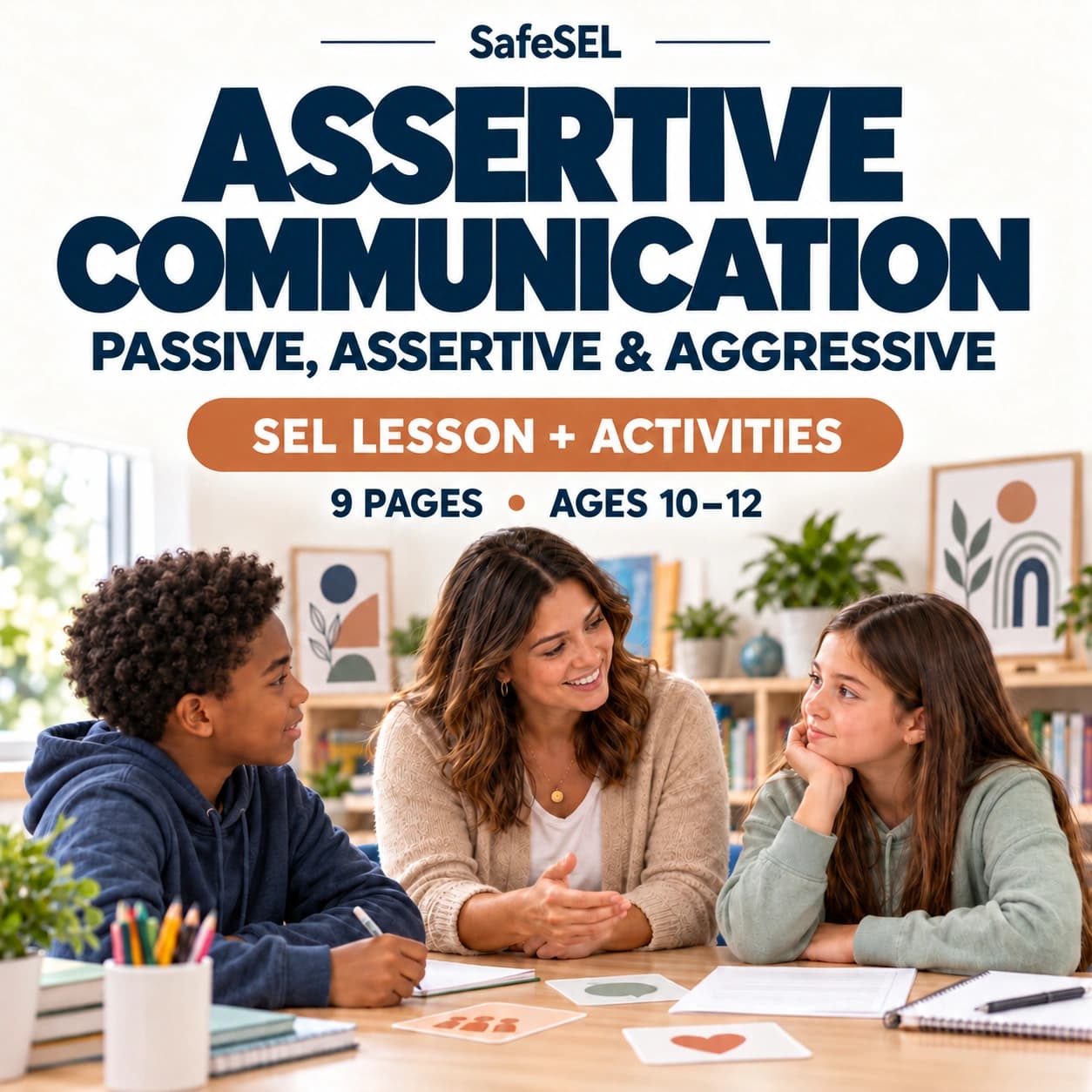
For ages 10–12, avoid preschool cartoons and overly playful wording. Use clean layouts, realistic examples, and options involving school pressure, privacy, group chats, and changing friendships.
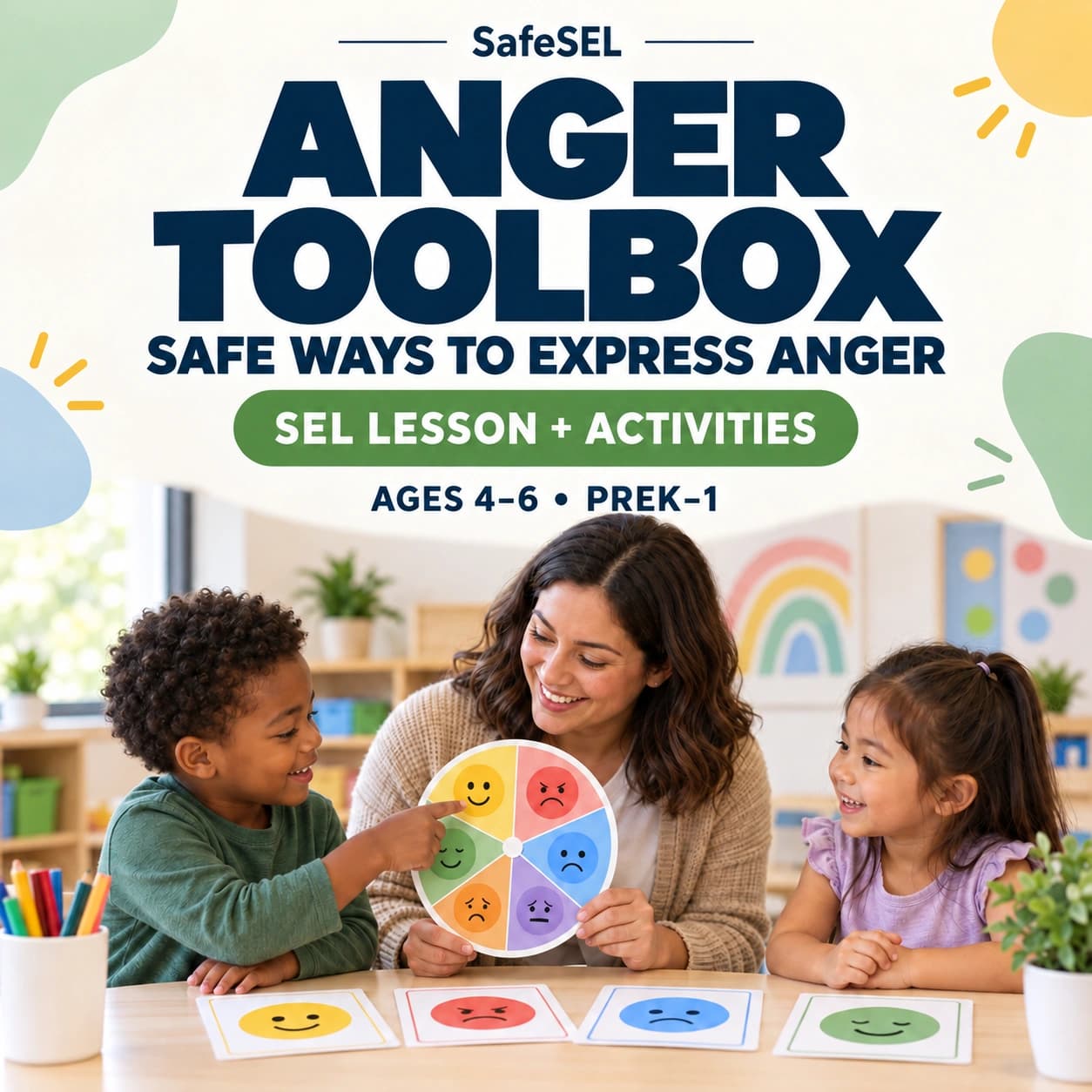
For ages 4–6, use short language, adult support, pictures, and activities based on play and observation.
Accessibility audit rubric
Score each item 0, 1, or 2.
Area — 0 — 1 — 2
--- — --- — --- — ---
Reading — dense and abstract — some supports — short, clear, supported
Writing — long written responses — partial alternatives — several response modes
Motor — precise cutting/writing required — adaptable — accessible by design
Communication — speech/writing only — limited choices — pointing, symbols, AAC, drawing, typing
Visual design — cluttered — mostly clear — consistent and low-clutter
Age respect — mismatched — neutral — designed for the age group
Guidance — no adult instructions — brief — goal, adaptations, examples
Red flags
Be cautious when a resource:
- claims to be accessible because it uses clip art;
- provides no non-writing option;
- has tiny print;
- asks several questions on one crowded page;
- uses color as the only way to distinguish information;
- requires eye contact or spoken answers;
- treats disability or communication difference as misbehavior;
- simplifies the learning goal rather than the access method.
Buyer checklist
Ask:
- What skill is the worksheet actually teaching?
- Can the child show the skill without handwriting?
- Can directions be read aloud without changing the task?
- Are symbols clear and consistent?
- Can the page be enlarged?
- Is there a digital version?
- Are response alternatives included?
- Is the layout low-clutter?
- Is the design respectful for the age?
- Are adaptations explained for adults?
When to seek additional support
Children with significant communication, motor, sensory, or learning needs may benefit from individualized educational, occupational, speech-language, or clinical guidance. A printable should fit the child’s established access methods rather than replace them.
Related SafeSEL resources
Pair accessible worksheets with emotion cards, visual choices, scenario cards, and adult-guided role-play. The same skill should be available through several formats.
Evaluate the instruction page as well as the worksheet
Accessibility depends partly on adult implementation. A strong resource explains the learning goal, identifies optional demands, and suggests alternatives. Without guidance, an adult may require every box to be completed even when one section is enough to practise the skill.
Look for editable language and examples that can be replaced. A worksheet about recess conflict may not fit a child who learns at home or has limited peer access; the underlying skill should be adaptable to relevant settings.
Digital accessibility considerations
For digital versions, check whether text can be enlarged, fields can be completed by keyboard, reading order is logical, and information is not communicated through color alone. A printable PDF that looks clean may still be difficult to use with assistive technology. When digital access matters, provide an editable document or accessible form in addition to the designed page.
A worked accessibility example
The original activity asks a child to write three paragraphs about a friendship problem. The accessible version keeps the same goal—comparing responses and consequences—but offers scenario cards, two visual response choices, an option to dictate, and a short box for one next step. The child is still reasoning about the conflict; only the unrelated writing barrier has been reduced.
Sources and further reading
- UDL Guidelines — CAST
- Action and Expression — CAST
- Expression and Communication — CAST
- Support Multiple Ways to Perceive Information — CAST
- Universal Design for Learning — CAST
- CASEL Framework — Collaborative for Academic, Social, and Emotional Learning