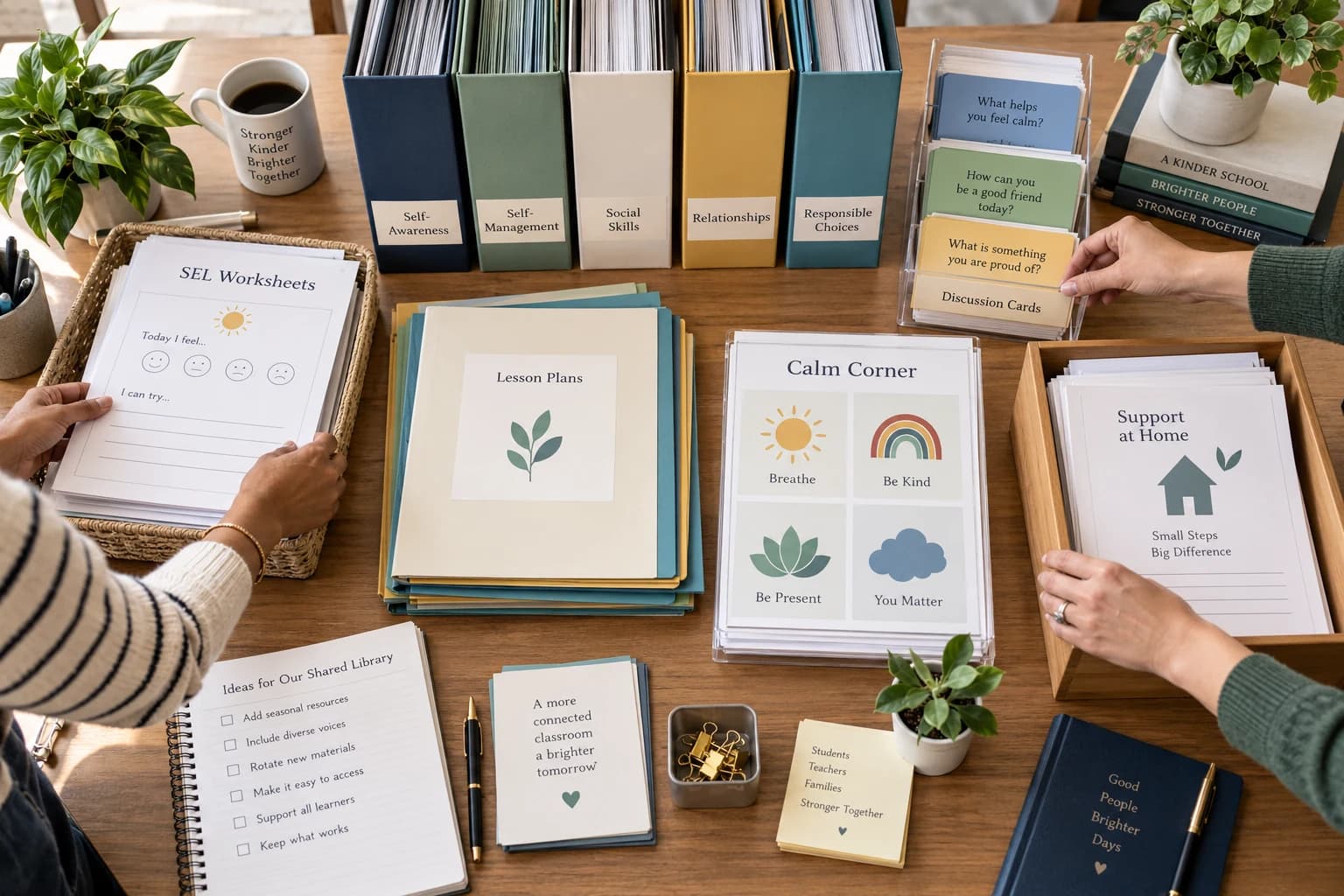
Organize a shared SEL library by the situations staff are trying to support, then add filters for age, format and setting. Give one person responsibility for the master collection, keep a read-only source folder, create a staff-facing index and state the license rules beside the files. A small, searchable system is more useful than a large drive full of unexplained PDFs.
Build the map before moving the files
Begin with six to ten practical categories such as emotions and regulation, coping, friendship and communication, problem-solving, behavior support, transitions, anxiety, small groups and family resources. Staff usually search by a student need or teaching goal, so the structure should reflect those questions.
Avoid making the first level a long list of ages, product names or file types. Those details work better as tags or columns in an index after the user has reached the relevant topic.
Keep a protected master and a working area
Store original files in a read-only master folder controlled by the designated owner. Create a separate working area where staff can copy selected pages into lesson or group folders. This prevents accidental deletion, renaming and duplicate versions.
Use short, consistent filenames that describe the topic, age band and resource type. A file called “friendship-repair-ages-7-9-lesson.pdf” is easier to retrieve than a vendor download code or “final-v4.pdf.”
Create an index staff can scan in one minute
A simple spreadsheet or document can list the resource name, purpose, age range, format, suggested setting and direct internal link. Add a short “use when” note so staff do not need to open five PDFs to choose one.
Keep the index selective. Highlight the strongest starting points for common needs and link to the deeper folder for staff who need more options. A library can contain hundreds of materials while still presenting a manageable front door.
Assign ownership without creating a gatekeeper
One counselor, instructional lead or student-support team should maintain the structure, archive outdated copies and collect requests. Ownership protects quality; it should not require staff to ask permission every time they need an ordinary licensed resource.
Set a light review rhythm, such as once each term. Remove broken links, add new topic labels, note frequently requested gaps and check that license information still matches how the school shares files.
Teach staff how to choose, not just where to click
A short orientation should explain what the library covers, where universal and targeted resources live, and when a printable is insufficient. Use two realistic scenarios and let staff practise finding a suitable item.
Reinforce that materials do not diagnose students or replace school procedures. For severe, persistent or unsafe concerns, staff follow the appropriate referral, safeguarding and crisis pathways.
Launch with a starter path
Give staff three immediate entry points: a short whole-class lesson, a reusable discussion-card set and one family handout. Early success builds trust in the system more effectively than a tour of every folder.
After several weeks, ask which searches were easy, which produced too many results and which needs were missing. Adjust labels and featured items before adding more content.
Continue with the school resource plan
Explore the $149 Whole-School SEL Resource Library
Schoolwide SEL resource checklist
School counselor library checklist